Agencies rarely lose time because posting a single piece of content is difficult. They lose time because every client adds another account, another approval loop, another media folder, and another place where publishing can fail. Once a team is managing Pinterest, Instagram, Facebook, LinkedIn, TikTok, or YouTube for several brands at once, the real problem is not content creation. The problem is operations.
That is where PinFlow becomes useful. It gives agencies one publishing layer where content, media, account context, scheduling, and status tracking can stay organized instead of being scattered across tools and spreadsheets.
Why multi-client social work becomes chaotic
Most agencies start with lightweight systems. One client is tracked in a spreadsheet, another in a shared document, and approvals happen in chat. That works for a short period, but the structure breaks as soon as volume grows. The same issues appear again and again:
- team members post to the wrong account
- assets are uploaded multiple times in different places
- approval delays push content into the wrong publishing window
- failed posts are discovered after the campaign has already moved on
Agencies do not need more fragmented tools. They need one system that keeps client publishing separated while making execution faster.
Start with account structure, not content
The first operational rule for agencies is simple: every post must be attached to the right client account before the copy is even reviewed. That sounds obvious, but it is where many mistakes begin. In PinFlow, each connected profile stays tied to the same client account context, so schedulers do not have to guess where a post belongs when they are under deadline pressure.
That matters most when one operator is moving across multiple Pinterest profiles, several Instagram business accounts, and different Facebook pages in the same session.
Use one workflow for every client, not one workflow per platform
Agencies usually create unnecessary complexity when each network gets its own process. A cleaner model is to keep one client workflow and treat each network as an output. For each campaign, define:
- the client account
- the offer or content theme
- the publishing window
- the media set
- the target platforms
Once that structure is stable, content can be adapted by platform without rebuilding the project from scratch each time.
The agency operating model that works best
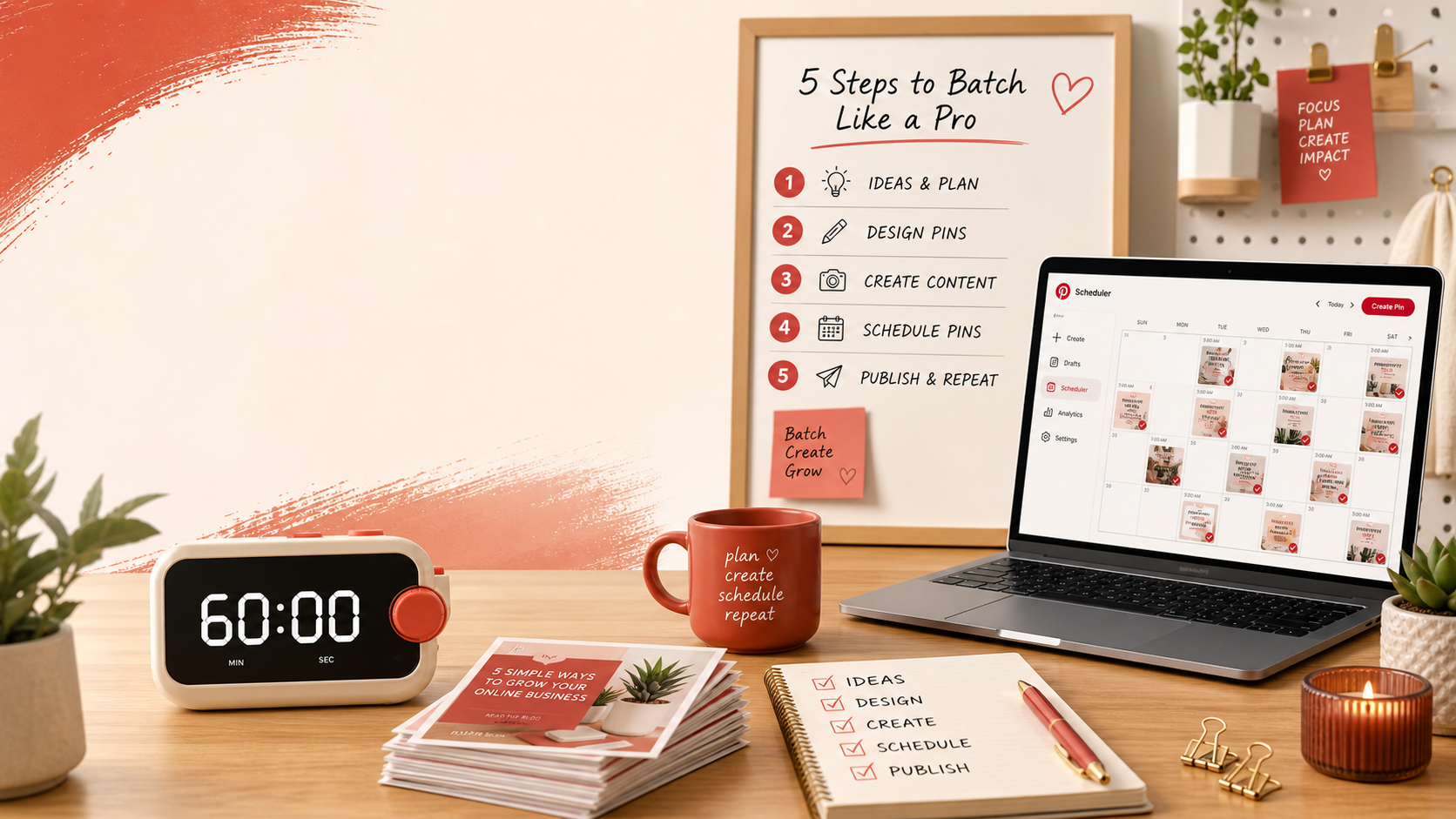
For most small and mid-size agencies, the cleanest model is a four-step cycle:
- Prepare the campaign: collect client assets, dates, goals, and channel mix.
- Draft the content: write or generate variations by platform.
- Queue and schedule: attach media, boards, pages, or profile targets and place content into the right slots.
- Monitor and recover: review publish status, failures, and any urgent reschedules.
This keeps agencies from doing approvals, uploads, and troubleshooting all at the same time.
Why PinFlow fits agency work
PinFlow is useful for agencies because it combines manual scheduling with automation-friendly infrastructure. Teams can work directly in the dashboard, but they can also extend the same workflow through the API, MCP, or n8n when they need more scale.
That means PinFlow can support both of these realities at the same time:
- a content manager manually reviewing and scheduling posts for a client
- an automated workflow preparing media URLs, drafts, and publish jobs in the background
For agencies, that flexibility matters more than a generic “calendar view” promise.
How to reduce posting mistakes across client accounts
The safest agency workflow is to force explicit account selection early. If the account, page, or profile is chosen first, downstream errors drop. This is one reason PinFlow’s per-account structure is important: it reduces the chance that a post intended for one brand ends up on another brand’s social profile.
Agencies should also standardize naming, media folders, and scheduling windows by client. The more consistent those inputs are, the faster scheduling becomes.
What to monitor every day
For agencies, a dashboard is only useful if it reduces operational risk. A good daily review is short but disciplined:
- Which posts are scheduled in the next 48 hours?
- Did any posts fail to publish?
- Are any client queues underfilled for the week?
- Did a platform token expire or require reconnect?
- Did an approval delay make a post miss its original slot?
That review is where teams protect reliability, which is often more valuable to clients than raw volume.
Where automation helps most
Agencies should not automate everything immediately. The highest-leverage automation points are usually:
- media upload and hosted URL preparation
- bulk draft creation from one campaign brief
- client-specific posting templates
- board or account selection inside connected workflows
- status monitoring for scheduled and failed posts
PinFlow’s API and n8n node make this practical without forcing the whole team into a developer-only workflow.
The client-facing benefit
Clients rarely care which scheduler you use. They care that posts go out on time, the right assets are used, and campaign windows are not missed. PinFlow helps agencies improve exactly those outcomes. Better reliability, better visibility, and cleaner scheduling operations are easier to sell than another promise about “AI content.”
Final takeaway
For agencies, social media management becomes hard when every client adds another layer of manual coordination. PinFlow works best when it becomes the shared publishing layer behind those accounts: one place to organize media, schedule content, track failures, and keep multi-client execution clean as volume grows.