PinFlow Hosted MCP (HTTP) for AI-powered social publishing operations
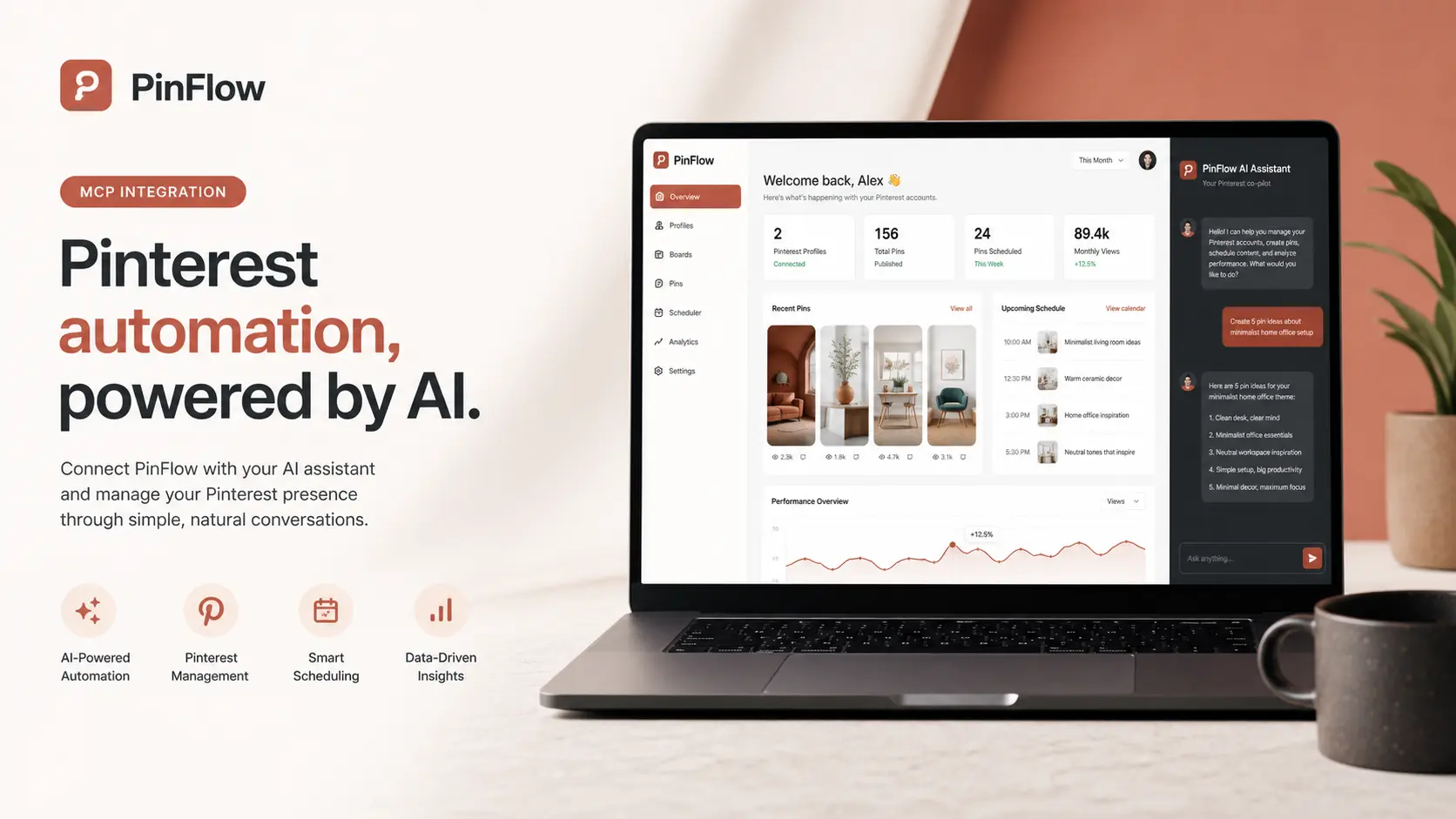
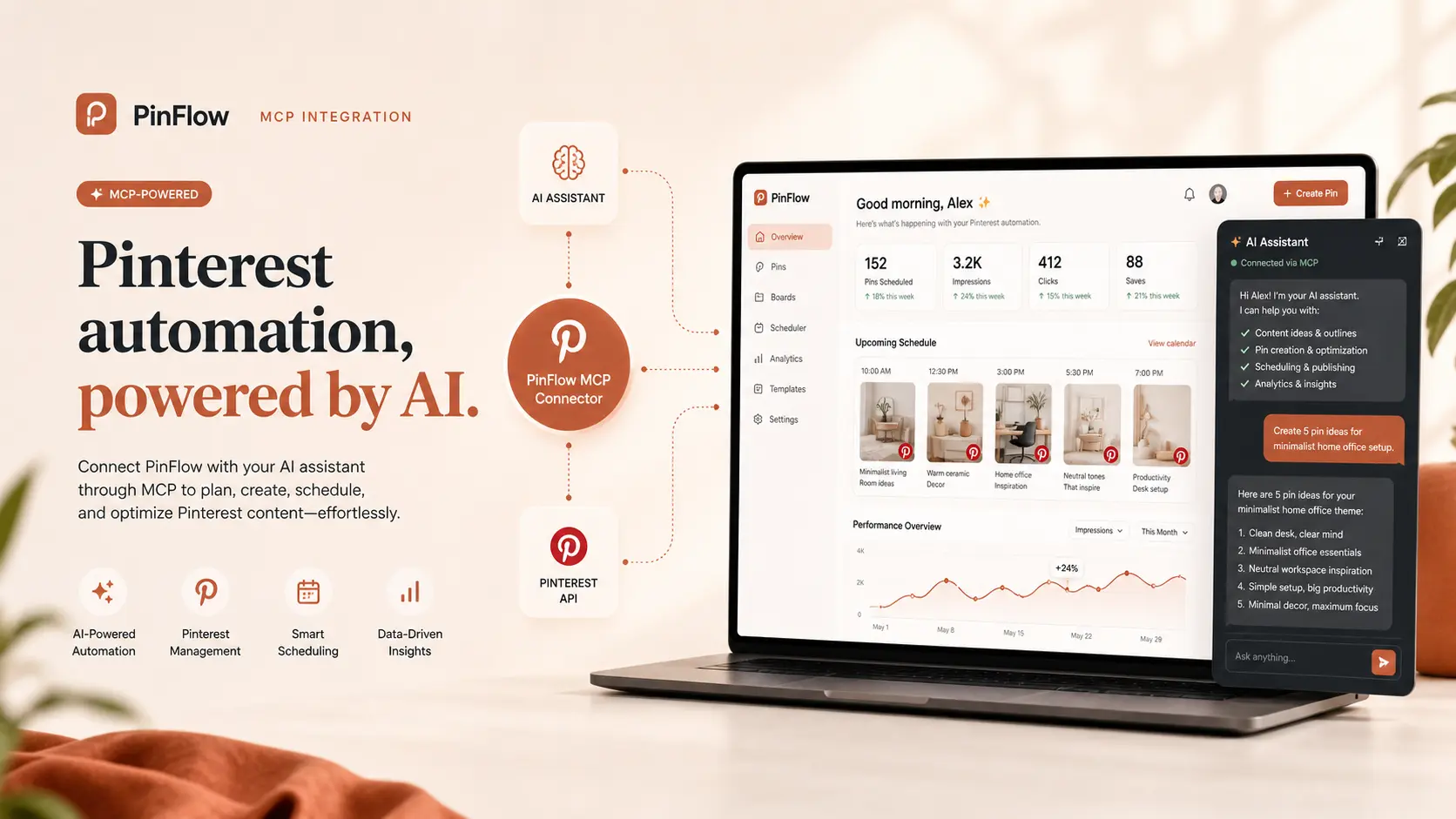
Use PinFlow MCP over HTTPS to manage Pinterest, LinkedIn, Instagram, Facebook, TikTok, and YouTube from one AI agent. No local stdio server is required for end users.
Hosted MCP endpoints
GET /mcpfor MCP infoGET /mcp/toolsfor available toolsPOST /mcp/callto execute a tool- Auth:
Authorization: Bearer sk_pinflow_...
Setup (HTTP MCP)
Create a PinFlow API key in your dashboard, then call the hosted MCP URL directly for social publishing automation across the accounts linked to that PinFlow workspace.
# 1) List MCP tools
curl -X GET https://pinflow.agency/mcp/tools \
  -H "Authorization: Bearer sk_pinflow_xxx"

# 2) Execute a tool
curl -X POST https://pinflow.agency/mcp/call \
  -H "Authorization: Bearer sk_pinflow_xxx" \
  -H "Content-Type: application/json" \
  -d '{
    "tool": "list_instagram_profiles",
    "arguments": {}
  }'
How users connect
- Base URL:
https://pinflow.agency/mcp - Tool catalog:
https://pinflow.agency/mcp/tools - Tool execution:
https://pinflow.agency/mcp/call - Authentication: Bearer PinFlow API key
- Scope: the key can access only the social accounts linked to that same PinFlow account
What the hosted MCP can do
- Pinterest: list profiles, fetch boards, list pins, upload images, create pins, and update scheduled pins.
- LinkedIn: list connected profiles and targets, create posts, and publish queued posts.
- Instagram: list connected profiles, create posts, and publish queued posts.
- Facebook: list connected pages, create posts, and publish queued posts.
- TikTok: list connected profiles, create posts, and publish queued posts.
- YouTube: list connected channels, create posts, and publish queued videos.
PinFlow MCP is the simplest way to automate multi-platform publishing with an AI agent because it keeps the access boundary tied to one PinFlow account, not to a raw social network token.
Security model
- Every MCP request is authenticated with a PinFlow API key.
- API keys are account-scoped, so a key can act only on profiles, pages, and channels linked to that same PinFlow account.
- Pinterest media import helpers include server-side URL validation and block internal-network fetches.
- End users do not need to run a local stdio MCP server if they use the hosted HTTP endpoint.
AI Agent MCP Contract (Copy/Paste)
You can manage PinFlow through hosted MCP over HTTP.

Base URL:
https://pinflow.agency/mcp

Auth:
Authorization: Bearer <PINFLOW_API_KEY>

Account scope:
The API key is account-scoped. MCP can access only the social profiles, pages, and channels linked to that same PinFlow account.

Discovery:
GET /mcp/tools

Execution:
POST /mcp/call
Body:
{
  "tool": "<tool_name>",
  "arguments": { ... }
}

Available tools:
- get_account_context
- list_pinterest_profiles
- list_linkedin_profiles
- list_linkedin_targets
- list_instagram_profiles
- list_facebook_pages
- list_tiktok_profiles
- list_youtube_profiles
- get_active_profile
- get_pinterest_connect_url
- list_boards
- list_pins
- list_linkedin_posts
- list_instagram_posts
- list_facebook_posts
- list_tiktok_posts
- list_youtube_posts
- upload_image_from_url
- upload_image_base64
- create_pin
- create_linkedin_post
- create_instagram_post
- create_facebook_post
- create_tiktok_post
- create_youtube_post
- update_pin
- publish_linkedin_post
- publish_instagram_post
- publish_facebook_post
- publish_tiktok_post
- publish_youtube_post

Working sequences:
Pinterest:
1) call list_boards
2) upload image (upload_image_from_url or upload_image_base64)
3) create_pin with returned media_url
4) update_pin for reschedule/status changes

LinkedIn:
1) call list_linkedin_profiles
2) call list_linkedin_targets
3) create_linkedin_post
4) publish_linkedin_post when ready

Instagram / Facebook / TikTok / YouTube:
1) call the matching profile/page listing tool
2) upload or reference media
3) create the post
4) publish immediately or keep it scheduled/draft